
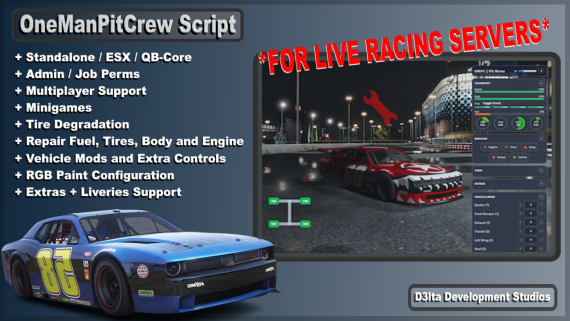
D3lta Development Studios: OneManPitCrew Script
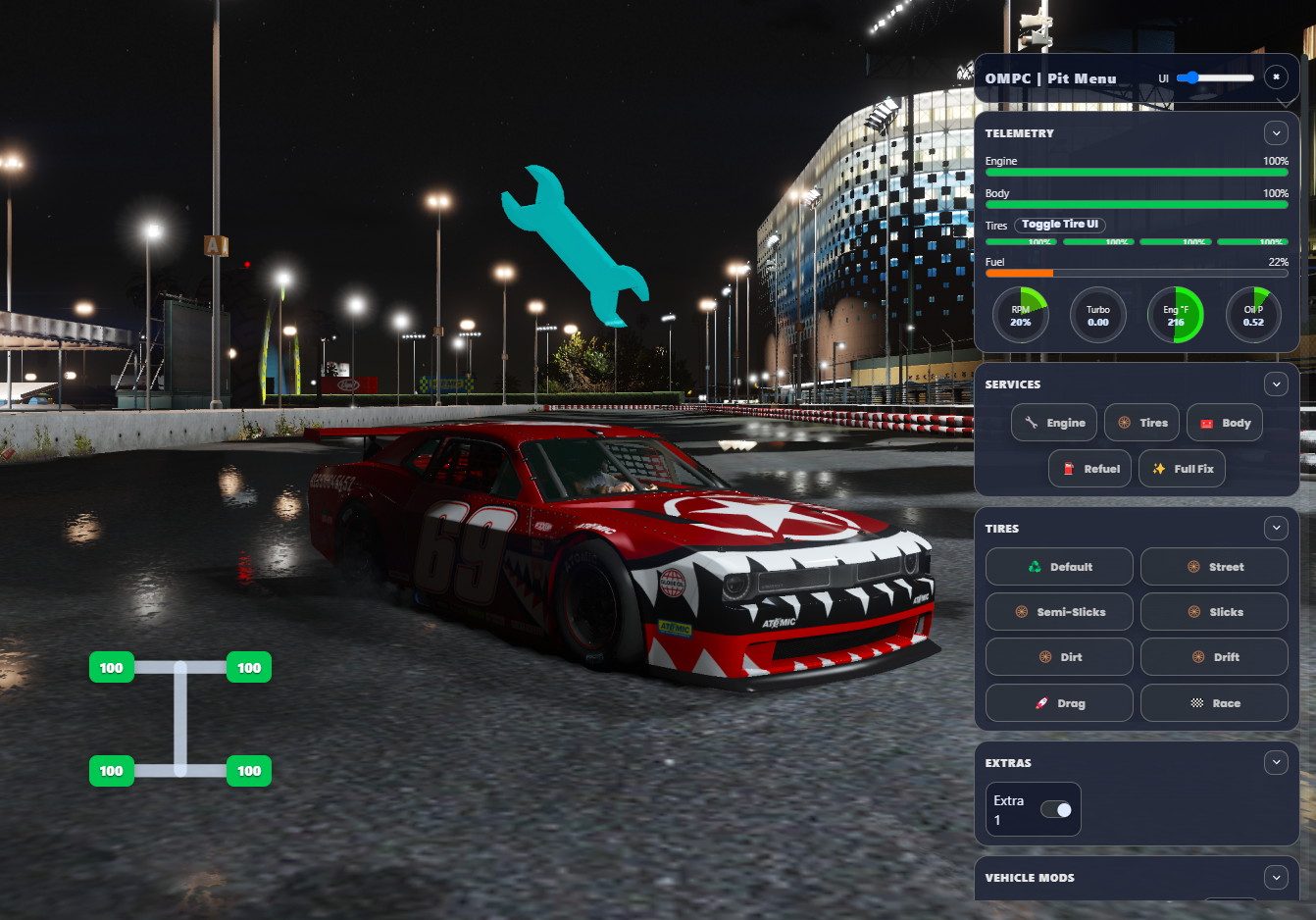
Pit Crew Script Features:
- Standalone, ESX & QB-Core Support
- Multiplayer
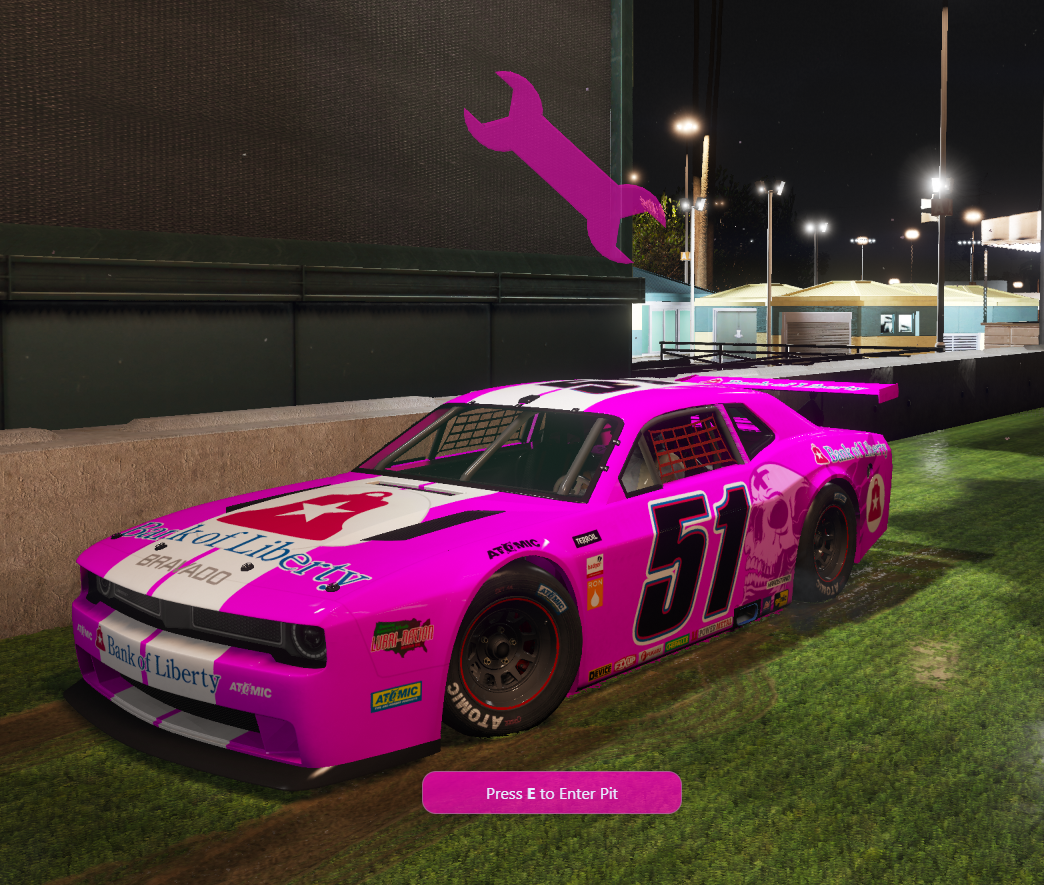
- Personal Pit
- Shared Pits
- Tire Degradation
- Minigames / Progressbar
- Repair Fuel, Body, Engine and Tires
- RGB Vehicle Paint Configuration
- Extras & Liveries
- Fuel Support [Native|Ox_Fuel|LegacyFuel|Renewed|Jim-Mechanic]
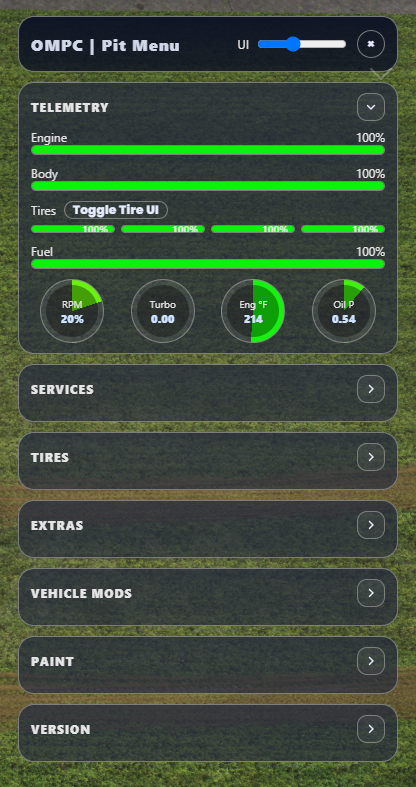
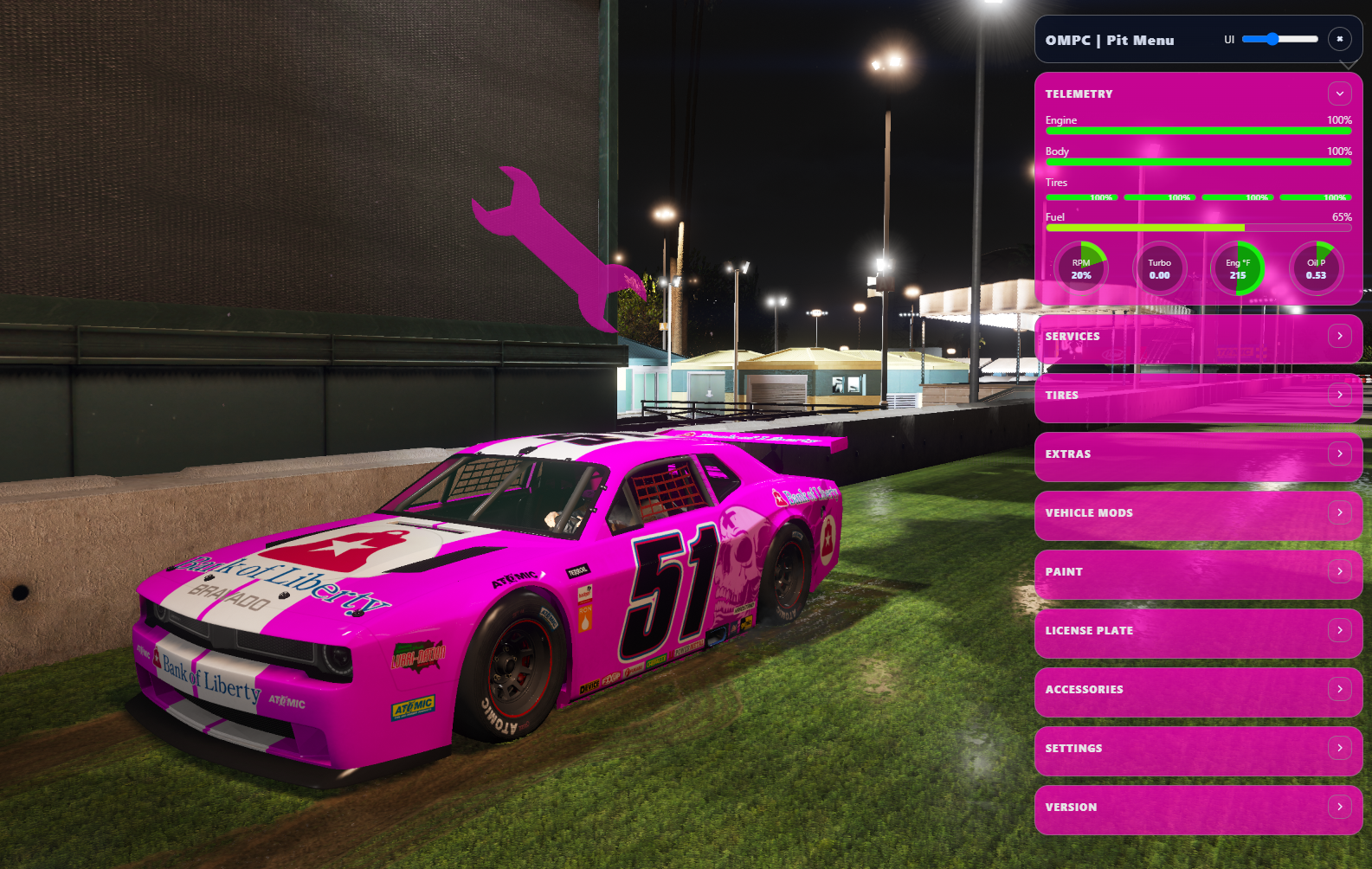
Pit UI Features:
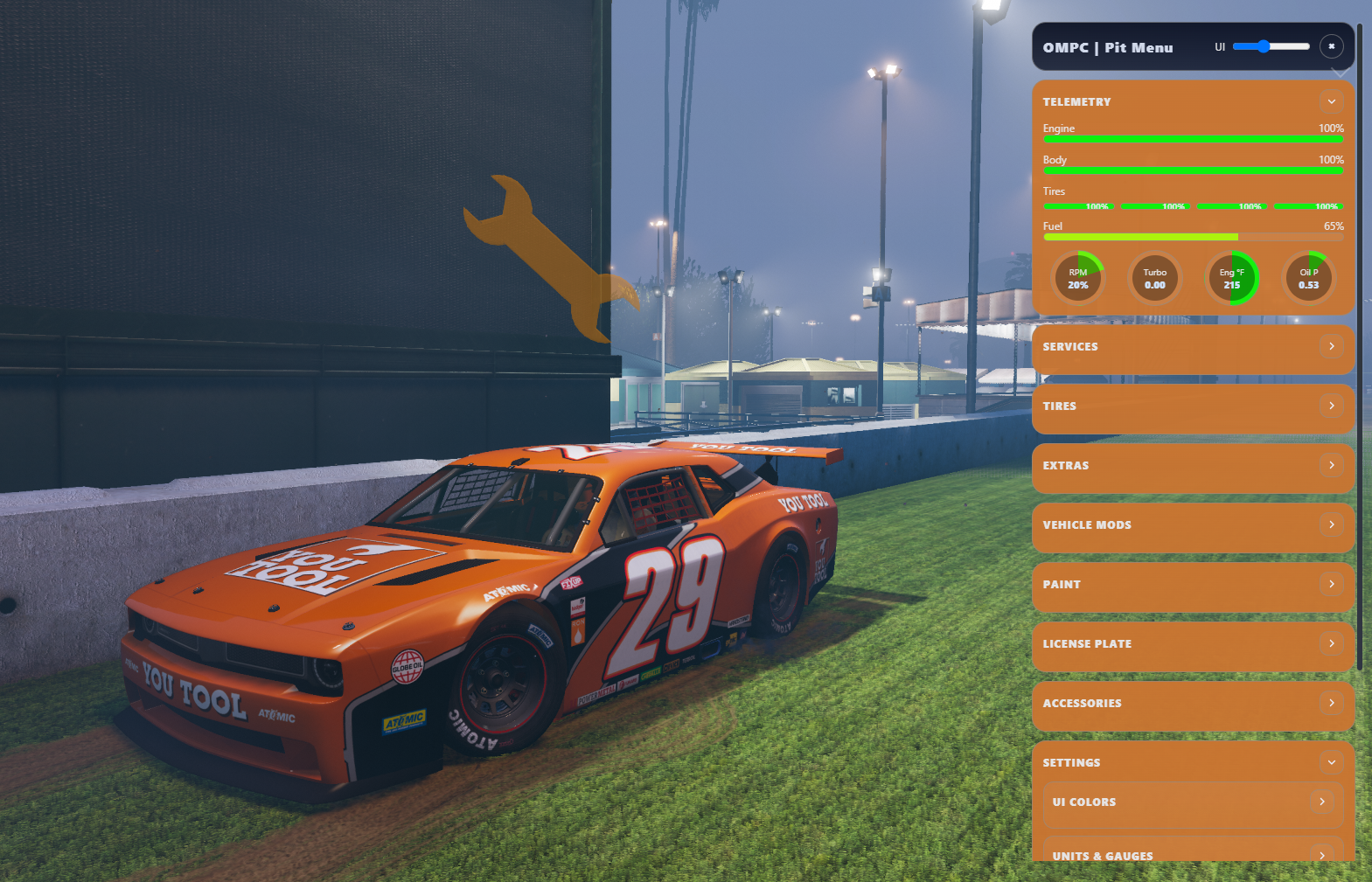
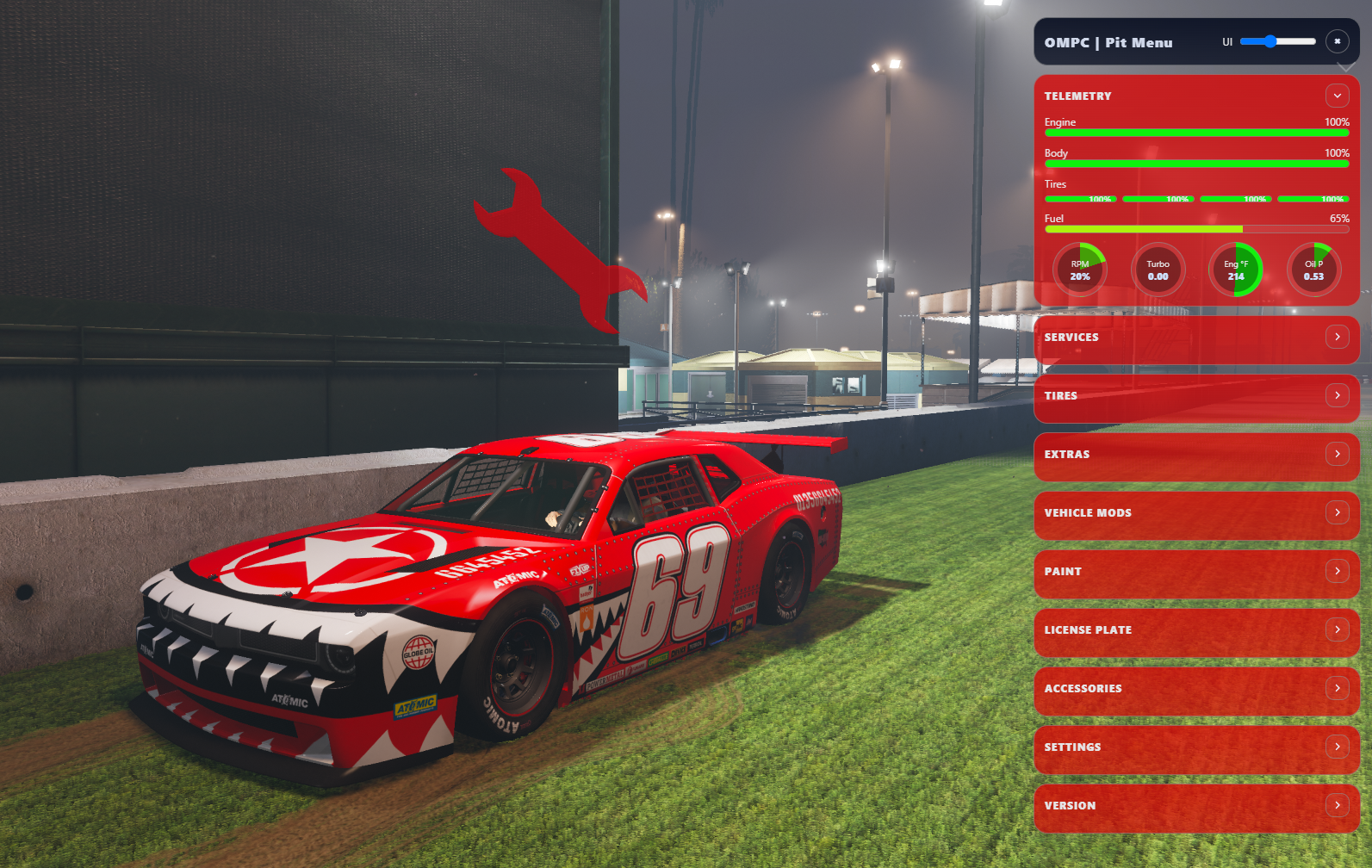
- Full Fix / Engine / Tires / Body / Refuel (minigame or progress per config).
- Tires Presets: Street, Drift, Slicks, Race, etc. (Does not affect tire degradation)
- Paint: Custom RGB Paint Schemes and standard paint indexs. Also includes liveries.
- License: plate text and plate style index/label.
- Doors & Windows: Can be open/closed from within the pit menu
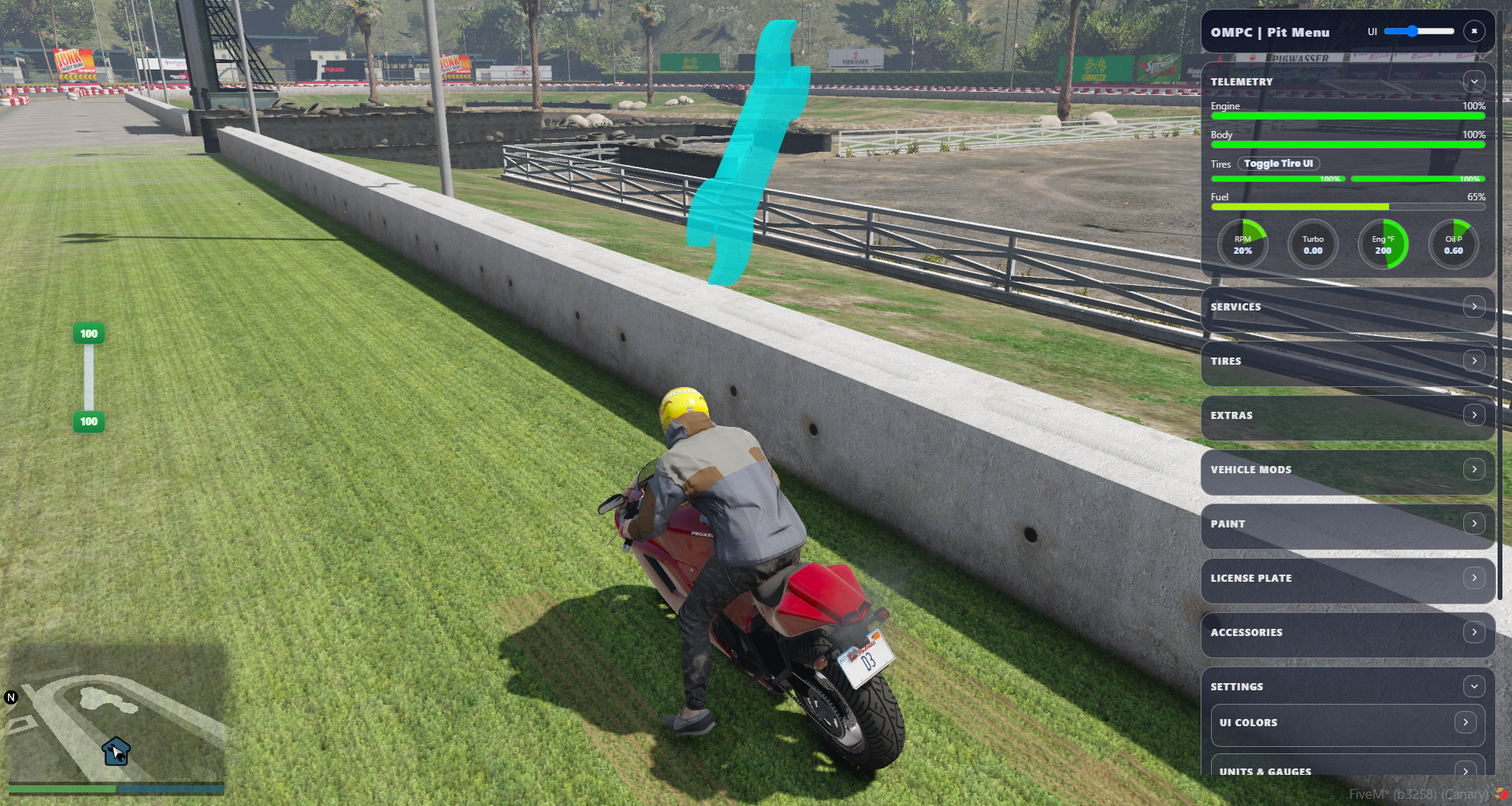
- Players can override the marker/blip and UI themes within the Settings tab (if allowed). The NUI saves the configurations (e.g., draggable Tire HUD position & UI Colors).
- Automatically closes the UI when: Exiting a vehicle, Leaving the Pit Zone or /pitdelete /closepits
- UI changes carry over to the shared pit player
- and more!
Player commands (how to use)
Set or remove your pit
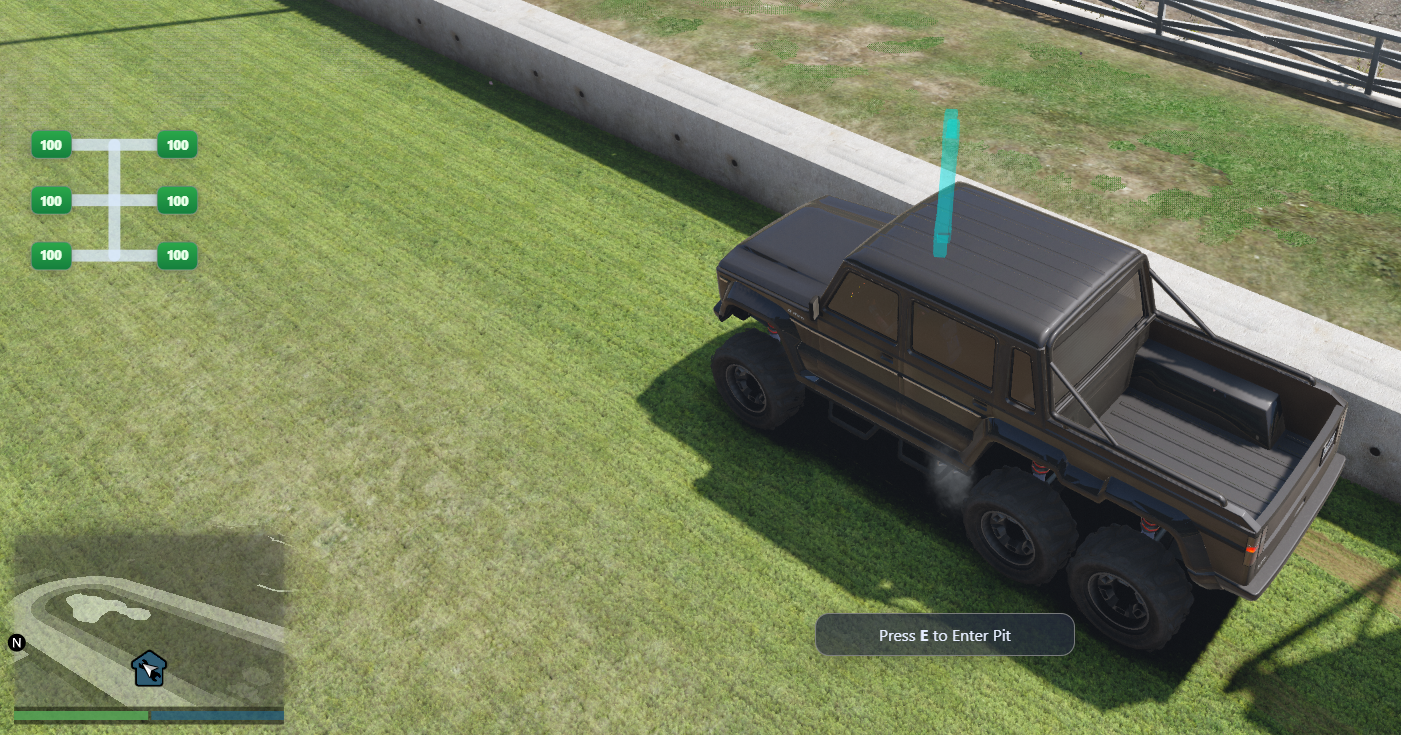
- /setpit – While in a vehicle, start placement, drive to the spot, then Enter to confirm (or Backspace/Esc to cancel). Pits must be open globally unless you have bypass permission.
- /pitdelete – Delete your pit (local cleanup + server remove).
Auto Pit (Full Fix on entry)
- /autopit – Places an Auto Pit (if enabled). This is a FullFix Qucik Zone that can use either the minigame or progress bar based on config.
Tire HUD
- /tireui – Toggle the tire HUD. You must have any pit access (own or shared) and be in a vehicle to enable. It stays visible; you can also move it and the position saves.
Shared pits (as owner)
- /pitshare <playerId> – Share your pit with someone (respects share limit; they can now use your pit).
- /pitrevoke <playerId> – Revoke that person’s access.
Leave a shared pit (as guest)
- /leavepit – Leave shared pit you’re in.
Admin/Job commands
(These commands require admin/job permission.)
- /openpits – Open pits for everyone.
- /closepits – Close pits for everyone and clears all the pits.
- /clearpits – Clear all pits (without changing open/close state).
Add Ace Perm:
- add_ace group.admin d3s_ompc.admin allow
Installation Guide Included!
Join our Discord and ask for a dev to assist you with your needs!
Consumer Policy
Usage Policy | Privacy Policy
Purchasing or obtaining any of our assets means you accept the Consumer Guidelines and Policy of the store.
Check out the build process or order your very own custom script/models!
D3lta Development Studios Discord
